I know that it has been some months since my last post but a lot has happened. I have got a new laptop (review to follow) and my gaming situation has been upgraded. I now have a Legion Go 2. This is a major upgrade over my Legion Go S(team) gaming system despite it running Windows 11. Yes, I could install SteamOS but I value my warranty.
That been said, the Go 2 is an upgrade in most areas. Faster processor and graphics provided by an AMD Ryzen Z2 Extreme. More and faster memory, 32Gb up from 16Gb. Here I had to do a little BIOS hack as for some unknown reason Lenovo ships the unit with only 2Gb allocated for graphics. With this setting gaming performance is sub-par at best. Opining BIOS (pressing vol. up and power) I was able to increase graphics memory to 10Gb leaving 22Gb for the system. I also added a 2Tb nvme drive and a 1tB Sdcard to bring the avaliable storage to 3.5Tb.
By far the star of the show is the 8.8" Oled VRR 140 Htz screen. After turning on HDR it is a thing of beauty. The VRR has a range of 30-140 FPS with no flicker.
I have installed and played many games including Final Fantasy 16 (completed), Final Fantasy 7 remake (ongoing), Ghost of Tsushima (to be started) and Elden Ring (ongoing). All told I have 128 games installed and ready to play once the afore mentioned ones are done with.
The default interface for the GO2 is Lenovo Legion Space. This is where you can update the device drivers and change system settings. It also allows you to access all your games no matter where you installed them from (EG Steam, XBox Game Pass, Epic etc). The only downside that I have found is that it always opens on its own store and not your library. There dose not seem to be any way of changing this.
After signing up to the Windows Insider Program I was able to activate Xbox mode as found on the XBOX ROG Ally. I have no idea if this added a performance boost but the interface is nice and does what Legion Space does without the drawbacks.
The device came with 90 days Xbox Game Pass access which I have yet to explore since 99% of my game library comes via Steam, which can be launched in two taps or by launching a game.
Back to the hardware, Legion Space has a dedicated button at the top right and the system menu can be accessed at the top left. The thumbsticks are hall effect and are quite light to the touch which may or may not be an issue for you. I personally don't mind. Another feature of the controllers is that they can be unplugged like Nintendo's Switch. The mechanism is a little clunky but is fine once you get the hang of it. While removed the left controller has a trick up it's sleeve. With the flip of a switch found on it's base the controller can be mounted on an included adaptor turning it into a mouse for FPS games. To be honest, I have never tried this but the option is nice.
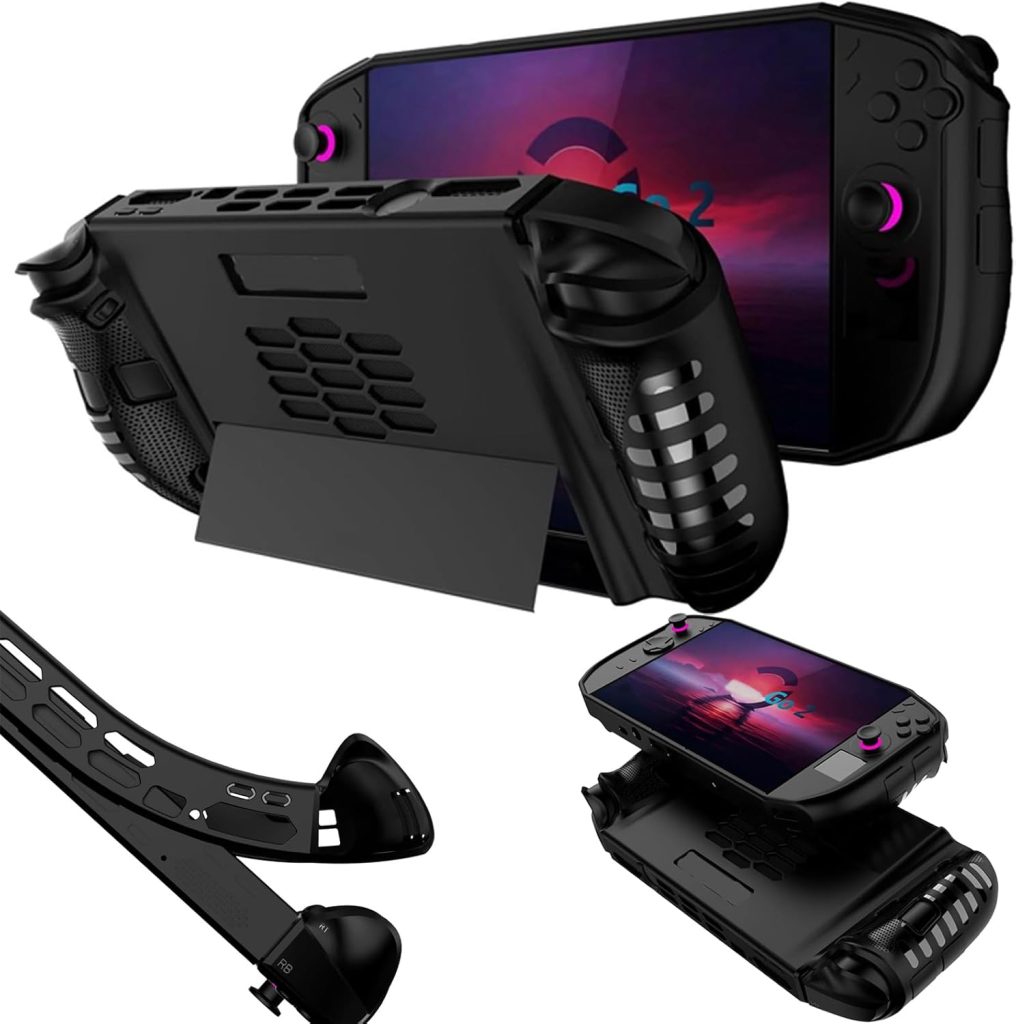
I bought a silicone case from Amazon which made the device stiffer but prevents the controllers from being removed.